

Shopify vs Wix for online stores in 2026

Updated at
19.11.2026
Wix builds a beautiful website. Shopify builds a store that sells. Both can take a payment - the difference is what happens after the first sale, and that is where most stores pick the wrong one.
This comparison covers Shopify vs Wix for online stores in 2026: the monthly cost, the checkout, the apps, the design, and what happens when the store grows past a handful of orders a month - with the numbers a US store owner should plan for.


Shopify vs Wix for online stores: the short answer
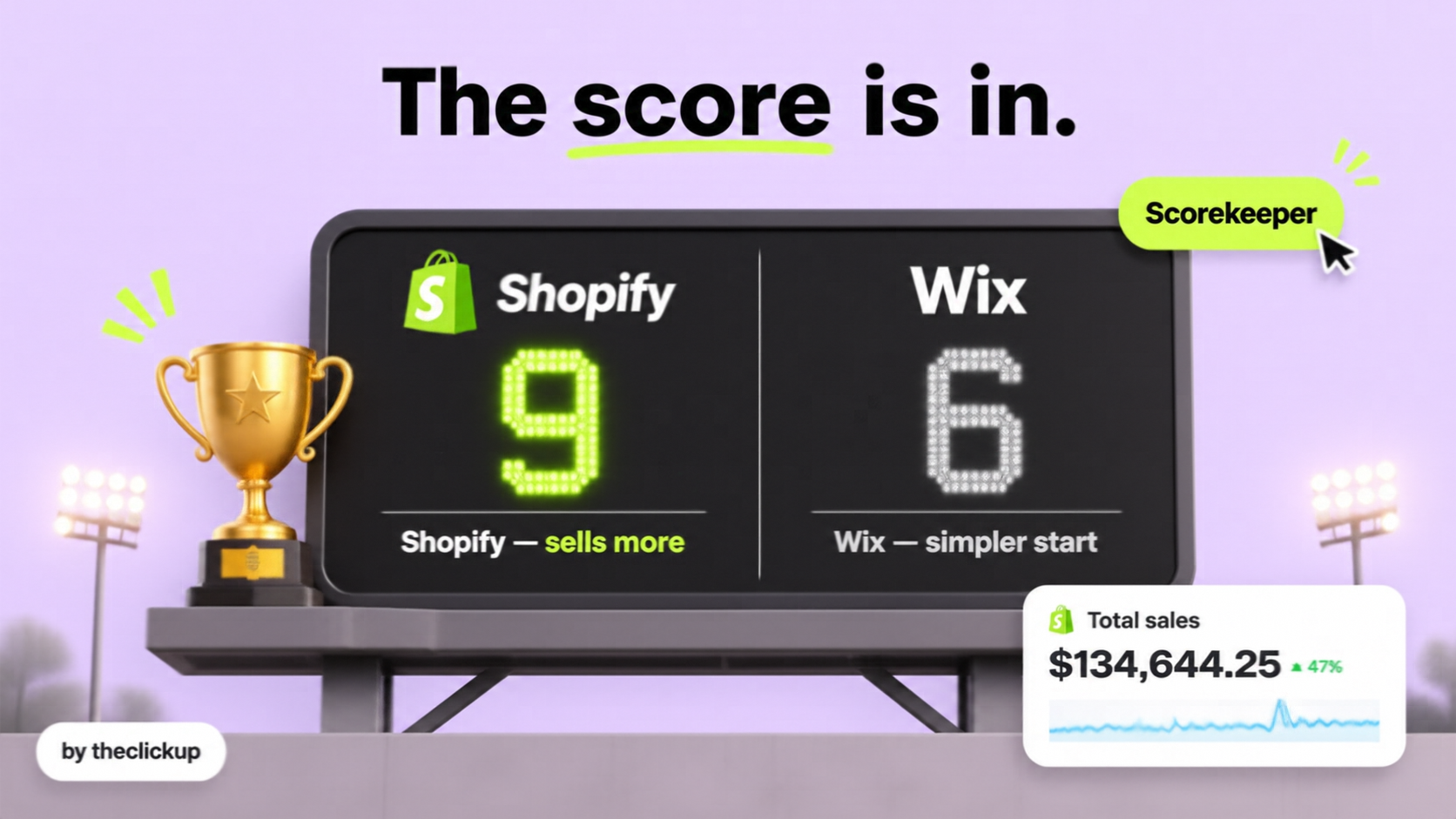
Shopify wins for a store that exists to sell: the checkout converts out of the box, the app store covers payments, subscriptions, bundles and loyalty, and the store keeps working when the order volume grows. Wix wins for a small business that needs a website first and a shop second - a portfolio, a booking page or a side project with a few products, where the drag-and-drop editor matters more than the checkout. The deciding question is not which builder is prettier. It is how many orders the store will take, and what has to happen after the buyer pays - because a store that outgrows its platform pays for the move in lost sales.
The numbers frame the choice. Shopify plans run $39-$399 a month, and Shopify Plus starts from $2,300 a month, as listed by Shopify, and the Basic plan charges 2.9% + 30 cents per transaction with Shopify Payments in the US, as listed by Shopify. Wix Business plans cost less per month than Shopify, as listed by Wix, but the trade-off is not the monthly fee - it is what the store can do at volume: fewer ecommerce apps, a simpler checkout, and less room to grow. A premium theme costs $250-$380 one time on the Shopify Theme Store, as listed there. US agency developers typically charge $150-$300 an hour, as reported on Clutch - and a Wix store that needs custom ecommerce work needs more of those hours than a Shopify store with an app for the same job. Our Shopify vs Squarespace comparison covers the same question against the other big builder, and how much a Shopify store costs covers the full price picture - this guide covers the Wix decision itself.
Shopify vs Wix at a glance
| What to compare | Shopify | Wix |
| Monthly cost | Shopify plans $39-$399/mo, Plus from $2,300/mo, as listed by Shopify | Wix Business plans cost less per month, as listed by Wix - the saving is real, and so is the ceiling |
| Checkout | Shopify checkout converts out of the box, Shop Pay included, one-page checkout | Wix checkout is simple and clean, but less customisable - and the buyer experience is the same for every Wix store |
| Apps and selling tools | App Store covers subscriptions, bundles, B2B, loyalty, reviews and email | Wix App Market is smaller for ecommerce - the basics are there, the specialist tools are not |
| Design | Premium themes $250-$380 one time, as listed on the Shopify Theme Store; themes built for selling | Wix drag-and-drop is the freest editor of any builder - and the easiest to make look messy |
| Growing the store | Built for volume: thousands of products, high-traffic drops, Plus when the store outgrows the plans | Built for starting: a store that grows past a few hundred orders a month starts fighting the platform |
| Best for | Brands that sell first and want the store to grow with them | Small businesses that need a website with a shop attached, not a shop that is the business |
Three things that decide whether Shopify or Wix is right
Three things decide whether Shopify or Wix is right for an online store. Everything else is decoration.
1. What happens after the buyer pays
A sale is not the end of the job. The store has to confirm the order, take the payment, send the tracking, handle the return, and bring the buyer back for the second order. Shopify does all of that with apps that are built for the job: subscriptions that renew, bundles that raise the order value, loyalty that brings the buyer back. Wix does the basics well and the rest through a smaller app market - and the store owner ends up doing by hand what Shopify does automatically. Ask what a buyer does in the month after the first order before choosing the platform: a store that lives on repeat orders needs Shopify. Our Shopify + Meta Ads funnel covers what the store has to do with the traffic once it arrives.
2. How the store grows
A store that sells ten orders a month and a store that sells a thousand need different platforms, and the switch costs more than the monthly fee - it costs the redirect plan, the SEO, the customer data and a week of the owner's time. Shopify is built for the second store: thousands of products, high-traffic drops, and Plus when the volume outgrows the plans. Wix is built for the first store, and a store that grows past a few hundred orders a month starts fighting the platform instead of selling on it. Choose for the store the business will be in two years, not the store it is today. The Shopify service covers the build that grows, and the launch checklist covers the order it should happen in.
3. Who builds and maintains it
Wix is the easiest builder to use without a developer: drag, drop, publish. Shopify needs more setup up front - the theme, the apps, the payments, the shipping - and then it runs itself. The question is who does the work later: a Wix store that needs custom ecommerce work needs a developer for a platform with fewer developers, while a Shopify store has an app for almost every job and an agency on every corner. If the business has no developer and never will, Wix is the honest choice for a small shop. If the business plans to grow, Shopify's setup cost pays for itself the first time the store does not need a rebuild. The Meta Ads service covers the ads that send buyers to either store - the platform choice and the marketing have to be decided together, because the ads only work if the store converts.
The three mistakes that cost a store its first year
Most failed store launches come from three mistakes, and all three look like good decisions at the time:
Choosing on the monthly fee alone. A Wix plan that costs less per month looks cheaper than Shopify - until the store needs a subscription app, a bundle app and a loyalty app that Wix does not have, and the owner pays a developer to build them. Price the platform over two years, including the apps and the work, not one month - and include the move when the store outgrows it.
Building the store before the traffic plan. A beautiful store with no buyers is a brochure. A store needs a traffic plan on day one: Meta Ads, search, email, or all three. A store that launches and then asks where the buyers are has built the shop and forgotten the street. Our Meta Ads vs Google Ads for Shopify stores covers where each dollar works harder.
Migrating without a redirect and SEO plan. A store that moves from Wix to Shopify - or the other way - without redirecting every old URL loses the rankings it already earned. Every product page needs the same content, every old URL needs a redirect, and the launch needs a crawl check in the first week. A store that migrates without the SEO plan spends a year winning back the traffic it already had. Our guide to migrating to Shopify without losing SEO covers the full checklist.
How to decide in one afternoon
Five checks, one afternoon, and you will know which platform the store needs:
- How many orders a month, in two years? Under a hundred, Wix is fine. Over a few hundred, Shopify is the safer bet - the move later costs more than the saving now.
- What does a buyer do after the first order? Subscriptions, bundles, loyalty, repeat orders - if the answer is more than "buy once", Shopify has the apps for it.
- Who maintains the store? Wix is easier to run alone. Shopify needs more setup and then runs itself - but a store that needs custom work needs a Shopify developer, not a Wix one.
- What does the two-year total look like? Monthly fee, apps, developer hours, and the migration if the store outgrows the platform - the cheap month is rarely the cheap two years.
- Who owns the store after launch? Support, updates, testing - a store needs an owner every week, not a one-time build. If nobody owns it, the first bug stays live until a buyer reports it.
If any answer points to selling at volume, Shopify is the right call. If the store is a website with a few products attached, Wix is the faster, cheaper start - and the store can move when it outgrows it.
Already on one of them and wondering if you picked wrong? Check the three mistakes in section 4 first - or ask us to audit the store before you rebuild.
The verdict: Shopify for selling, Wix for starting
Shopify wins for an online store in 2026 when the business exists to sell: a checkout that converts, apps for subscriptions, bundles and loyalty, and room to grow from ten orders a month to ten thousand. Wix wins when the business needs a website first and a shop second - a small shop, a portfolio, a side project - where the drag-and-drop editor and the lower monthly fee matter more than the checkout. Choose for the store the business will be in two years, migrate with a redirect and SEO plan, and pick the platform that lets the team sell, not the one that is cheapest this month. If you want help with the decision, Shopify vs WooCommerce covers the other big fork in the road, and the redesign cost guide covers what a rebuild should include - and theclickup builds Shopify stores for US brands from Islamabad, Pakistan, alongside the Meta Ads that bring the buyers.
FAQ
Is Shopify better than Wix for online stores?
For a store that exists to sell, yes: Shopify has a checkout that converts out of the box, apps for subscriptions, bundles and loyalty, and room to grow to thousands of orders a month. Wix is better for a small business that needs a website first and a shop second, where the drag-and-drop editor matters more than the checkout.
How much does Shopify cost compared to Wix?
Shopify plans run $39-$399 a month, and Shopify Plus starts from $2,300 a month, as listed by Shopify. Wix Business plans cost less per month, as listed by Wix - but the monthly fee is not the whole cost: apps, developer hours and a future migration all count. Price the platform over two years, not one month.
Can I migrate from Wix to Shopify without losing sales?
Yes, with a plan: every old URL needs a redirect, every product page needs the same content, and the launch needs a crawl check in the first week. A migration without the SEO plan spends a year winning back the traffic the store already had.
Is Wix good for a small online store?
Yes, for a small shop: Wix is the easiest builder to use without a developer, and a store with a few dozen products and under a hundred orders a month runs fine on it. The problems start when the store grows - more orders, more products, more repeat buyers - and the platform starts fighting back.
Read more

 advantage

 Book a call

Fill out the form
or brief with questions



 LinkedIn
 Instagram
Welcome to The ClickUp privacy notice.
The ClickUp respects your privacy and is committed to protecting your personal data. This privacy notice will inform you as to how we look after your personal data when you visit our website (regardless of where you visit it from) and other sites we own and operate. And tell you about your privacy rights and how the law protects you.
We may change the privacy policy from time to time to reflect changes to the products and services that we provide and how we process your personal data.
We will not share your information with any third party outside of our organization, other than as necessary to fulfil your request if any."
INFORMATION WE COLLECTWhen you visit our website, our servers may automatically log the standard data provided by your web browser. This data is considered “non-identifying information”, as it does not personally identify you on its own. It may include:
- Your computer’s Internet Protocol (IP) address;
- Your browser type and version;
- The pages you visit;
- The time and date of your visi;
- The time spent on each page;
We may ask for personal information, such as your name and email address. This data is considered “identifying information”, as it can personally identify you. We only request personal information relevant to providing you with a service, and only use it to help provide or improve this service.
We collect information by fair and lawful means, with your knowledge and consent. We also let you know why we’re collecting it and how it will be used. You are free to refuse our request for this information, with the understanding that we may be unable to provide you with some of your desired services without it.
We will only process personal data and communicate with you if:
1. You have given us consent to the processing of your personal data and communicating for one or more specific purposes i.e. requesting products or services from us, downloading material or information from our website or submitting a contact us form.
2. Performance of a contract
3. Where we have a legitimate interest for contacting you in relation to our products and services
DATA PROCESSING AND STORAGEWe only retain personal information for as long as necessary to provide a service, or to improve our services in future. While we retain this data, we will protect it within commercially acceptable means to prevent loss and theft, as well as unauthorised access, disclosure, copying, use or modification. That said, we advise that no method of electronic transmission or storage is 100% secure, and cannot guarantee absolute data security.
Rights and choices of individuals:
- See what data we have about you, if any;
- Change/correct any data we have about you;
- Have us delete any data we have about you;
- See what security measures we apply to your data;
- Express any concern you have about our use of your data;
You may opt out of any future contacts from us at any time. You can do the following at any time by contacting us via the email address given on our website: theclickup.com
Got questions or want to discuss a project?


