

Meta Ads checklist: every check before you spend a dollar

Updated at
18.11.2026
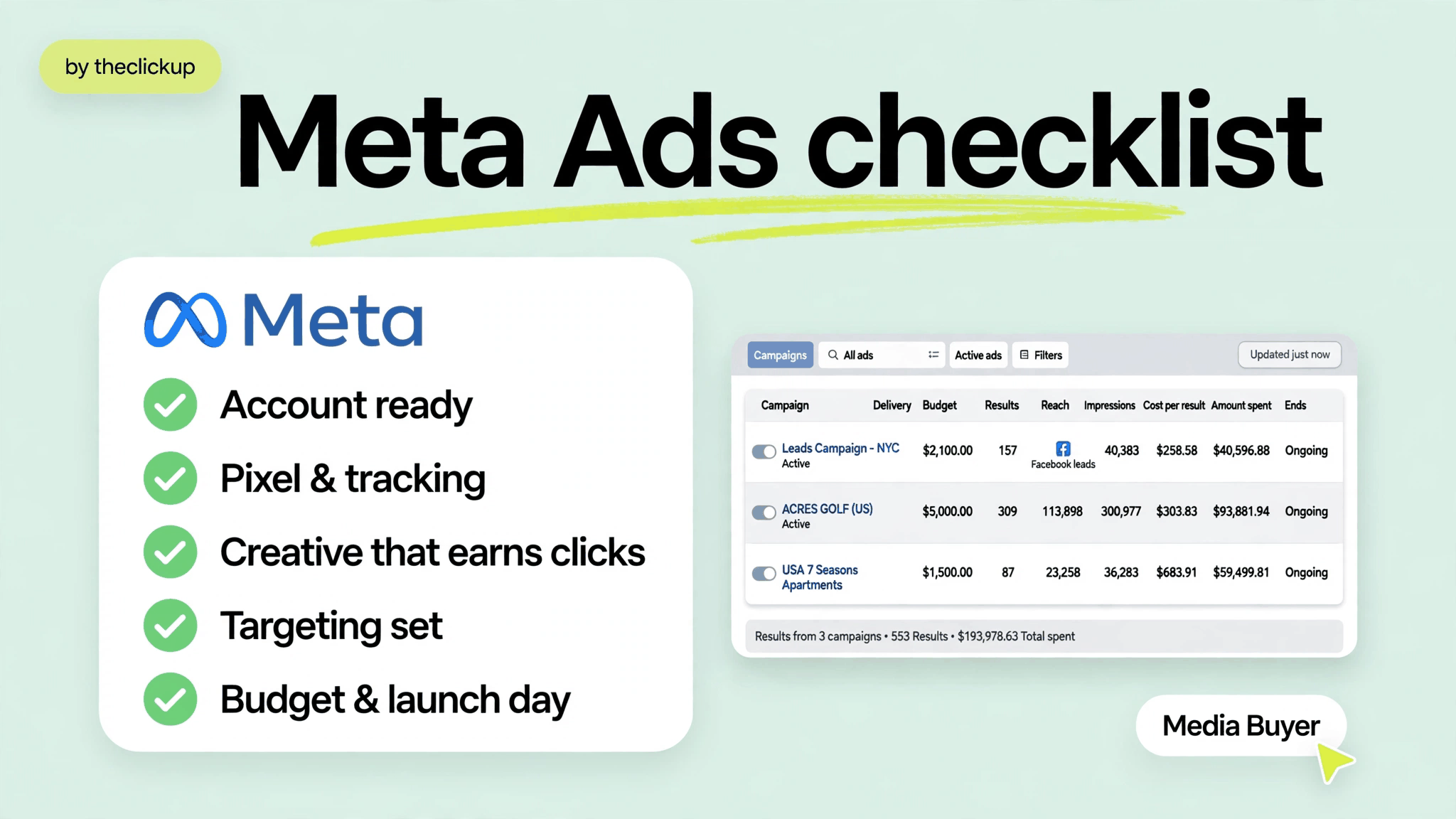
Most Meta Ads budgets are wasted before the first ad runs — on accounts, tracking and pages that were never checked. This checklist catches all of it.
Run through these checks in order — account, creative, targeting, tracking, budget — and your first dollar goes to learning what works, not paying for mistakes you could have caught in an afternoon.


1. Account checks: can you even run ads?
Half of all launch delays are account problems, not ad problems. Check these before you write a single headline — a blocked account on launch day costs more than any creative test.
- Business Manager verified — the business is verified and owns the ad account, the page and the domain. Nothing is borrowed from a personal account.
- Domain verified and matched — the domain in Business Manager is the same domain the store runs on, so events and attribution line up.
- Access and roles checked — every person who touches the account has the right role, and two-factor authentication is on for every admin.
- Payment method ready — a valid card or payment method is attached, with a billing threshold that will not pause the account mid-test.
- No policy flags — the account, page and domain have no active restrictions, and past disapproved ads are resolved, not ignored.
- Page in shape — the Facebook and Instagram pages linked to the ads are live, on-brand and show the same offer the ads will promise.
If any of these fail, fix it now. Ads built on a shaky account get paused at the worst moment — usually the day the campaign starts working.
2. Creative checks: does the ad earn the click?
| Check | What good looks like | Fail sign |
| Hook | Names the problem in the first three seconds | Scrolls past without a reason to stop |
| One promise | One offer per ad, matched word for word on the page | Three claims, none of them proven |
| Price and offer | Price or offer visible before the click | Ad promises a discount the page never shows |
| Format | Vertical video with captions, readable with sound off | Horizontal image with tiny unreadable text |
| Proof | Real product, real review or real number in the creative | Stock photo and no proof at all |
3. Where most launches fail
Three breaks cause most of the wasted spend we see — and all three sit between the ad and the store, where nobody looks until the budget is gone.
The ad promises what the page doesn’t deliver
An ad shows a price, a bundle or a benefit the landing page never mentions, and the visitor leaves in seconds. Match the headline, the offer and the price on the page before you spend — this one check saves more budget than any targeting trick.
Targeting too broad to learn from
A broad audience with one ad teaches you nothing: you cannot tell whether the creative or the audience failed. Start with two or three tight audiences, give each the same creative, and let the results pick the winner before you broaden.
Retargeting that never fires
Most brands spend everything on cold traffic and nothing on the people who already clicked. The cheapest buyers are the ones who visited and left — if retargeting is not set up before launch, that audience is gone.
4. Fintech extra checks: compliance before creative
Fintech brands pay more for attention — 2026 industry data puts finance CPM at $28.40 on average, roughly double the median across industries (Revealbot and WordStream, 2026). Expensive clicks make sloppy launches expensive, so fintech launches need longer funnels: a guide or calculator first, a signup second, and retargeting in between.
Compliance is part of the checklist, not an afterthought: no guaranteed returns, no income claims, clear disclosures on the landing page, and ad claims that match the page word for word. An ad that overpromises gets disapproved — or worse, it converts the wrong people.
If you want the launch planned around your numbers, see how we structure full-funnel campaigns on our Meta Ads services page — and how the store behind the ads is built on our Shopify store design & development page.
5. Budget and launch-day checks
Budget by stage, not by hope. Four lines, in order:
- Testing — $1,000–$3,000 a month to learn which creative and audiences work. This is research spend, and it is the cheapest money in the whole plan.
- Learning — keep the winners running until the account has 50+ conversions a month; only then does Meta have enough signal to optimize properly.
- Scaling — increase budgets on proven campaigns by 20% at a time, never all at once, or the learning resets.
- Retargeting — hold back 10–20% of budget for the people who clicked but did not convert; they are the cheapest buyers you have.
The most common budgeting mistake is starting with the scaling number and skipping the testing budget. A launch without a test phase is not a launch — it is a guess with a credit card attached.
Not sure your tracking is ready? Run the checks above first — or ask us to audit the launch before you spend.
Final thoughts
A Meta Ads launch is not one decision, it is twenty small ones — and this checklist is the twenty. Work through it in order, fix what fails, and launch only when every box is ticked.
Start with a testing budget, let the data pick the winners, and scale in steps. And fix the account and the tracking before you raise the budget — the ads can only be as good as the launch behind them.
FAQ
How long does a Meta Ads launch checklist take?
An afternoon for one store: most checks are ten-minute jobs. The slow parts are domain verification and Conversions API setup, so start those first, a day before launch.
Do I need Conversions API before launching Meta Ads?
Yes. Without it Meta optimizes blind: it finds more clickers instead of more buyers, because the browser pixel alone misses sales. Set up Conversions API and test the events before the first campaign goes live.
How much should I budget for the first month of Meta Ads?
Budget $1,000–$3,000 a month for testing — our recommended staging for learning which creative and audiences work — then scale proven campaigns by 20% at a time once the account has 50+ conversions a month, and hold back 10–20% for retargeting.
How many creatives should I launch with?
At least three different angles, not three versions of the same ad. Different hooks, different proof, different formats — then kill the losers weekly and make more of what wins.
Read more
 advantage

 Book a call

Fill out the form
or brief with questions



 LinkedIn
 Instagram
Welcome to The ClickUp privacy notice.
The ClickUp respects your privacy and is committed to protecting your personal data. This privacy notice will inform you as to how we look after your personal data when you visit our website (regardless of where you visit it from) and other sites we own and operate. And tell you about your privacy rights and how the law protects you.
We may change the privacy policy from time to time to reflect changes to the products and services that we provide and how we process your personal data.
We will not share your information with any third party outside of our organization, other than as necessary to fulfil your request if any."
INFORMATION WE COLLECTWhen you visit our website, our servers may automatically log the standard data provided by your web browser. This data is considered “non-identifying information”, as it does not personally identify you on its own. It may include:
- Your computer’s Internet Protocol (IP) address;
- Your browser type and version;
- The pages you visit;
- The time and date of your visi;
- The time spent on each page;
We may ask for personal information, such as your name and email address. This data is considered “identifying information”, as it can personally identify you. We only request personal information relevant to providing you with a service, and only use it to help provide or improve this service.
We collect information by fair and lawful means, with your knowledge and consent. We also let you know why we’re collecting it and how it will be used. You are free to refuse our request for this information, with the understanding that we may be unable to provide you with some of your desired services without it.
We will only process personal data and communicate with you if:
1. You have given us consent to the processing of your personal data and communicating for one or more specific purposes i.e. requesting products or services from us, downloading material or information from our website or submitting a contact us form.
2. Performance of a contract
3. Where we have a legitimate interest for contacting you in relation to our products and services
DATA PROCESSING AND STORAGEWe only retain personal information for as long as necessary to provide a service, or to improve our services in future. While we retain this data, we will protect it within commercially acceptable means to prevent loss and theft, as well as unauthorised access, disclosure, copying, use or modification. That said, we advise that no method of electronic transmission or storage is 100% secure, and cannot guarantee absolute data security.
Rights and choices of individuals:
- See what data we have about you, if any;
- Change/correct any data we have about you;
- Have us delete any data we have about you;
- See what security measures we apply to your data;
- Express any concern you have about our use of your data;
You may opt out of any future contacts from us at any time. You can do the following at any time by contacting us via the email address given on our website: theclickup.com
Got questions or want to discuss a project?


