

How to migrate from WooCommerce to Shopify without losing SEO in 2026

Updated at
19.11.2026
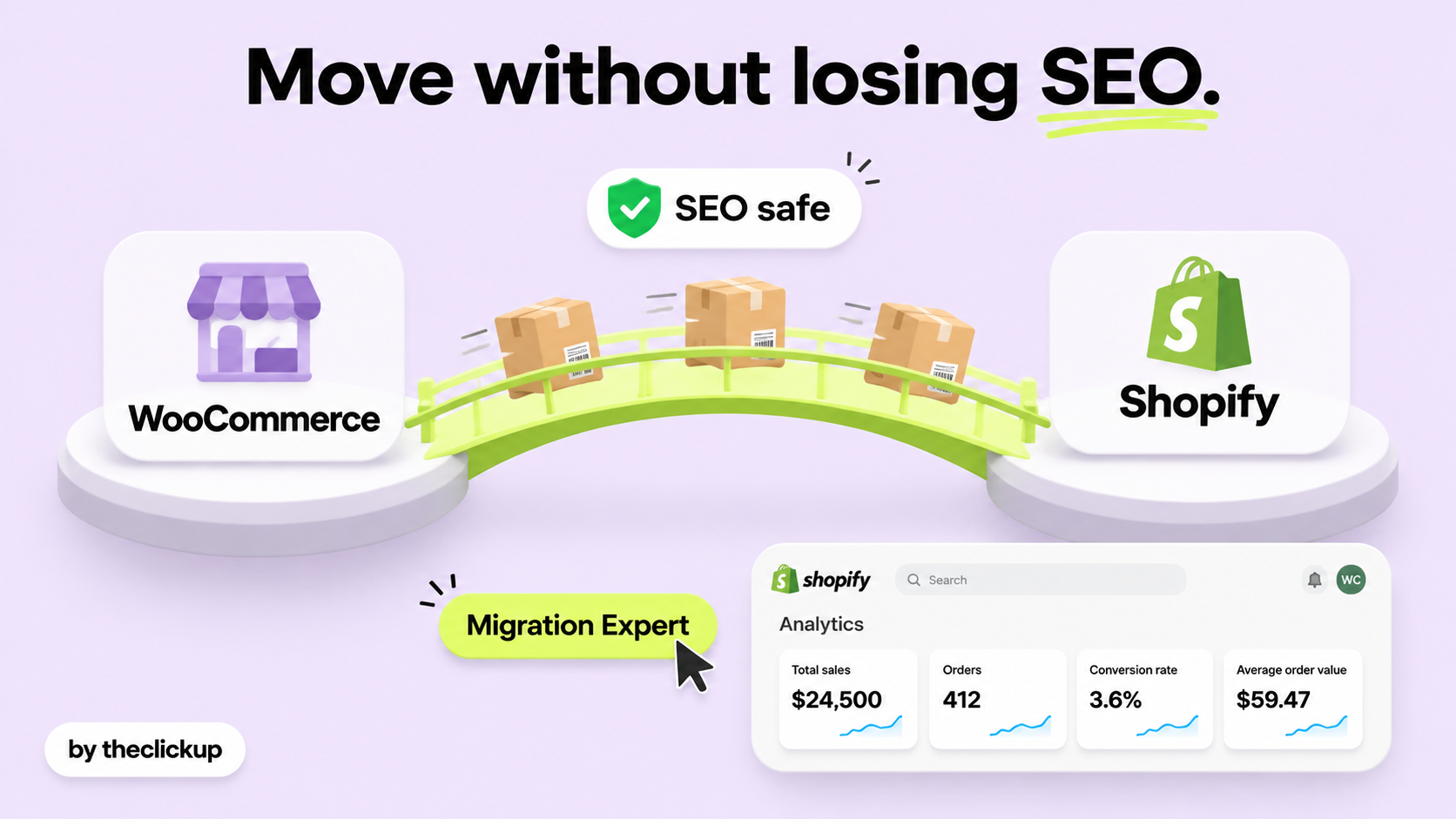
A migration does not have to cost you rankings. It costs rankings when the redirects are an afterthought.
This guide covers a WooCommerce to Shopify migration the way a store that depends on Google actually feels it: the URL plan, the redirect map, the content and meta data, and the launch checklist that keeps rankings where they were.


WooCommerce to Shopify without losing SEO: the short answer
Yes, you can move from WooCommerce to Shopify without losing your Google rankings - but only if the move is planned like an SEO job, not a copy-paste job. The three things that protect rankings are: every old URL gets a 301 redirect to the right new URL, the page titles, meta descriptions and content stay the same or get better, and the new store is checked on Google Search Console the week it launches.
Most migrations that lose traffic lose it for one of three reasons: redirects are missing or point to the homepage, the URL structure changes without a map, or the new store launches with thin or duplicated content. All three are avoidable, and all three are covered below. The cost of the move itself is the platform, not the SEO: Shopify plans run $39-$399 a month, and Plus from $2,300 a month, as listed by Shopify, while WooCommerce costs $0 for the plugin itself - the migration cost is the build, which for a serious store typically runs $20,000-$60,000 as reported by US agencies.
The migration checklist at a glance
| What to protect | What to do | What goes wrong if you skip it |
| URL redirects | 301 redirect for every old URL, mapped one-to-one | No redirect = a 404 = a lost ranking |
| Product and collection URLs | Keep the handles the same where possible; redirect the rest | Shopify URL paths differ from WordPress - plan for it |
| Titles and meta data | Carry over every title and meta description unchanged | Rewriting them all at launch is a ranking risk |
| Content and images | Move every product description, image and alt text | Thin pages after migration lose rankings fast |
| Sitemap and Search Console | Submit the new sitemap on launch day; watch coverage daily | Google finds the new store through the new sitemap |
| Internal links | Point every internal link at the new URLs | Links to redirected URLs leak authority over time |
What actually breaks SEO in a migration
Three failures cause almost all migration traffic loss. Know them and the rest is routine.
1. Redirects that point nowhere useful
The classic mistake is redirecting every old URL to the homepage, or to a category page, instead of to the matching new page. Google treats a redirect to the homepage as a soft 404: the old page's ranking does not transfer. The fix is a redirect map built before launch - a spreadsheet with every old URL in one column and its new URL in the next, checked one by one. Our Shopify Plus migration checklist covers the same discipline for sales: the map is the job, the launch is the easy part. Shopify supports 301 redirects natively, and a store with hundreds of products should expect the map to take a day of careful work, not an hour.
2. URL structure that changes without a plan
WooCommerce URLs and Shopify URLs are shaped differently: WordPress lets you build almost any URL, while Shopify fixes the structure - /products/ for products, /collections/ for collections. That is fine, as long as every old URL is mapped. The trouble starts when a store launches with new URLs and no redirects at all, which happens more often than it should: the old URLs 404, Google drops them, and the rankings they carried go with them. The Shopify Plus vs WooCommerce guide covers why stores make the move at all - usually scale, support and a checkout that survives a spike - and the same logic applies here: move for the platform, but protect the URLs like they are the business, because they are.
3. Content that gets thinner in the move
The second silent killer is content loss: product descriptions shortened in the export, images dropped, alt text missing, blog posts left behind. A product page that ranked on the strength of a detailed description will not rank with a one-line description. Before the move, crawl the old store and save every page, every title, every meta description and every image. After the move, compare: the new store should have the same content or better, never less. Our Shopify SEO checklist covers the on-page checks to run after launch, and the speed optimisation guide covers the other half of the launch: a fast store keeps the rankings a slow one loses.
The migration order that protects rankings
Do the work in this order and the rankings follow the store:
Before launch: crawl the old store and save the full URL list, the titles, the meta descriptions and the content. Build the redirect map - every old URL to its new URL. Build the new store on a test domain, move the content, and check that every product, collection and blog post is there with its content intact. Test the redirects on the staging store before anything goes live.
Launch day: point the domain at Shopify, put the redirect map live, and submit the new sitemap to Google Search Console the same day. Check that the homepage, the top ten product pages and the top five blog posts all return 200 and load fast. Watch Search Console coverage daily for the first two weeks: a spike in 404s means a redirect is missing, and every one of them is a page that needs its redirect fixed that day.
After launch: keep the old domain's redirects live for at least a year - removing them early is the most common way to lose rankings months after a clean launch. Update the internal links to point at the new URLs directly, so authority flows without a redirect in the middle. And keep the content improving: a migration is the cheapest moment to fix the thin pages and missing meta data the old store carried for years. If the ads are part of the plan, our Meta Ads service and Shopify service cover the store and the traffic around it.

How to decide in one afternoon
Five questions, one afternoon, and you will know whether the migration is safe to start:
- Do you have the full URL list? If you cannot list every old URL, you cannot redirect them. Crawl the store first.
- Is the redirect map finished? Every old URL needs a new home. A map that says "redirect everything to the homepage" is not a map.
- Is the content moving whole? Every product description, image, alt text and blog post - or the rankings built on them stay behind.
- Who owns the launch week? Someone needs to watch Search Console daily for two weeks. If nobody owns it, the 404s will sit there for months.
- What does the new store cost, all in? Shopify $39-$399 a month, Plus from $2,300 a month, as listed by Shopify, plus apps that typically run $500-$2,000 a month, as reported by US agencies. Compare that with the WooCommerce hosting and maintenance you are leaving - the SEO-safe migration is the one where the numbers work after the move, not just during it.
If any answer is no, fix that answer before launch day. A migration delayed by a week is cheap; a migration that loses a year of rankings is not.
Already migrating and worried about traffic? Check the redirect map in section 4 first - or ask us to audit the plan before launch.
The verdict: map every URL, move the content whole, watch Search Console
A WooCommerce to Shopify migration keeps your SEO when three things happen: every old URL gets a 301 redirect to the matching new URL, the content and meta data move whole, and someone watches Search Console daily for the first two weeks. Skip any one of them and the traffic drop that follows is not bad luck - it is the skipped step. If you want help planning the move on your store, how to choose a Shopify agency covers what to ask before you sign.
FAQ
Will migrating from WooCommerce to Shopify hurt my Google rankings?
Not if the migration is planned: a 301 redirect for every old URL, the same titles, meta descriptions and content on the new store, and the new sitemap submitted on launch day. Rankings usually dip for a few weeks while Google re-crawls, then recover - a permanent drop means a redirect or content step was skipped.
How long does a WooCommerce to Shopify migration take?
A small store can move in a few weeks; a store with hundreds of products, a blog and custom features usually takes six to twelve weeks, with most of the time spent on the redirect map, the content move and testing. The redirect map alone is a day of careful work for a mid-size store.
Do I need 301 redirects for every product page?
Yes - every URL that Google has indexed needs a redirect to its matching new URL. Redirecting everything to the homepage is treated as a soft 404 and the old rankings do not transfer. Build the map before launch, not after.
What happens to my blog when I migrate to Shopify?
The blog moves with the store: Shopify has a built-in blog, and every post needs its URL redirected and its content moved whole. Blog posts that rank are often the pages a migration loses first, because they are the ones nobody thinks to map.
Read more


 advantage

 Book a call

Fill out the form
or brief with questions



 LinkedIn
 Instagram
Welcome to The ClickUp privacy notice.
The ClickUp respects your privacy and is committed to protecting your personal data. This privacy notice will inform you as to how we look after your personal data when you visit our website (regardless of where you visit it from) and other sites we own and operate. And tell you about your privacy rights and how the law protects you.
We may change the privacy policy from time to time to reflect changes to the products and services that we provide and how we process your personal data.
We will not share your information with any third party outside of our organization, other than as necessary to fulfil your request if any."
INFORMATION WE COLLECTWhen you visit our website, our servers may automatically log the standard data provided by your web browser. This data is considered “non-identifying information”, as it does not personally identify you on its own. It may include:
- Your computer’s Internet Protocol (IP) address;
- Your browser type and version;
- The pages you visit;
- The time and date of your visi;
- The time spent on each page;
We may ask for personal information, such as your name and email address. This data is considered “identifying information”, as it can personally identify you. We only request personal information relevant to providing you with a service, and only use it to help provide or improve this service.
We collect information by fair and lawful means, with your knowledge and consent. We also let you know why we’re collecting it and how it will be used. You are free to refuse our request for this information, with the understanding that we may be unable to provide you with some of your desired services without it.
We will only process personal data and communicate with you if:
1. You have given us consent to the processing of your personal data and communicating for one or more specific purposes i.e. requesting products or services from us, downloading material or information from our website or submitting a contact us form.
2. Performance of a contract
3. Where we have a legitimate interest for contacting you in relation to our products and services
DATA PROCESSING AND STORAGEWe only retain personal information for as long as necessary to provide a service, or to improve our services in future. While we retain this data, we will protect it within commercially acceptable means to prevent loss and theft, as well as unauthorised access, disclosure, copying, use or modification. That said, we advise that no method of electronic transmission or storage is 100% secure, and cannot guarantee absolute data security.
Rights and choices of individuals:
- See what data we have about you, if any;
- Change/correct any data we have about you;
- Have us delete any data we have about you;
- See what security measures we apply to your data;
- Express any concern you have about our use of your data;
You may opt out of any future contacts from us at any time. You can do the following at any time by contacting us via the email address given on our website: theclickup.com
Got questions or want to discuss a project?


