

Shopify store speed optimization guide in 2026

Updated at
19.11.2026
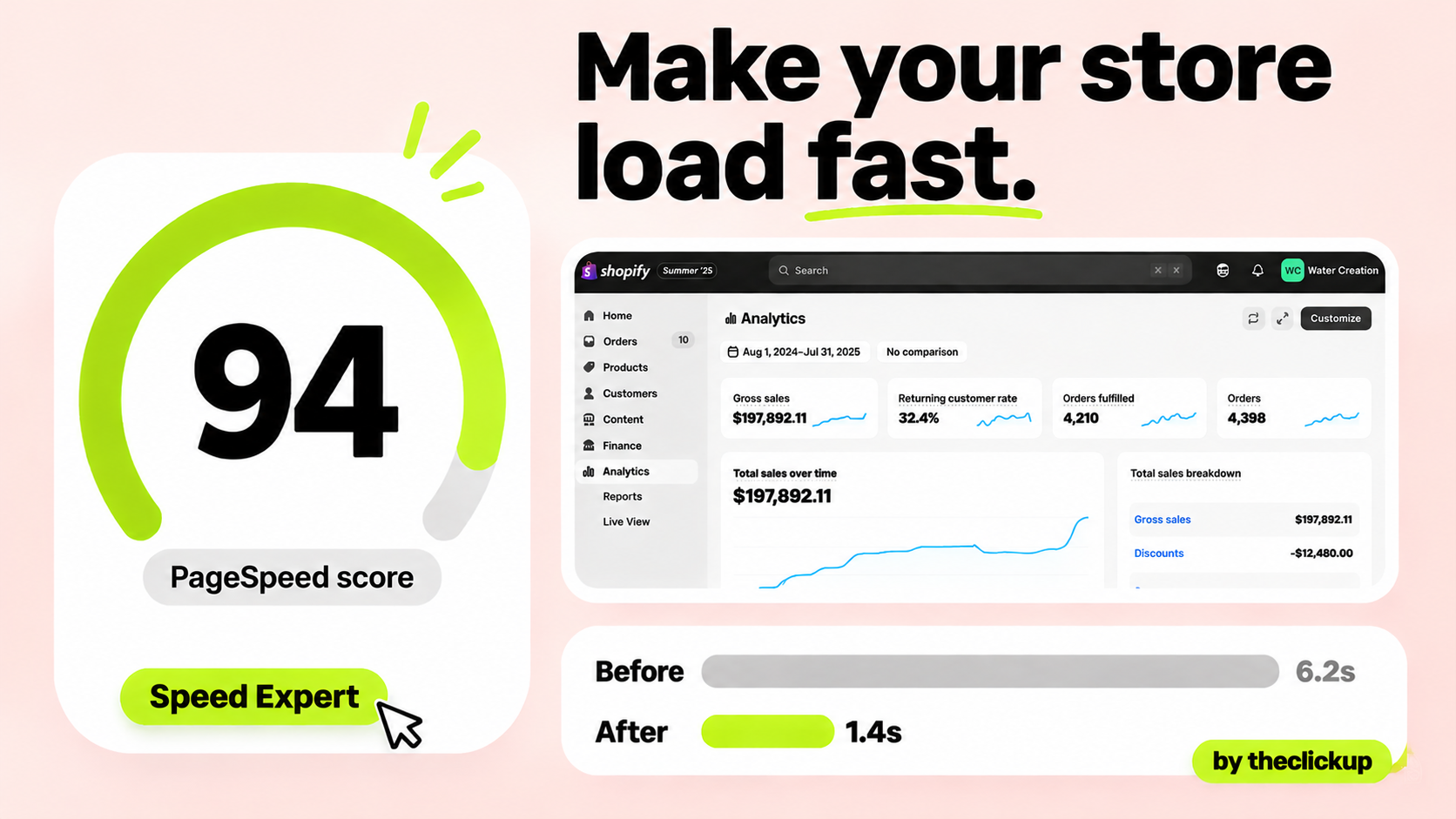
Speed is not a technical nicety — it is the first thing a buyer feels. A slow store loses the sale before the product appears.
This guide covers the Shopify speed fixes that actually work in 2026: images, apps, theme and checkout, in the order that matters — with the checks to run before you pay for anything.


Shopify store speed: the short answer
Most Shopify stores are slow for the same four reasons: oversized images, too many apps, a heavy theme, and a checkout that asks for too much. Fix them in that order. Compress and resize every product image before it is uploaded, remove the apps you do not use, pick a fast theme and keep it lean, and shorten the checkout to the fewest fields that still work. Those four fixes cover the majority of the speed a store can gain — the rest is fine-tuning.
The mistake is buying speed. Stores spend on speed apps and optimisation services before checking the basics, and the apps often make the store slower — another script, another redirect, another thing loading on every page. The sections below show what to measure, what to fix, and what to leave alone.
What slows a Shopify store down, in order
| What slows the store | How big it is | What to do about it |
| Oversized images | The biggest fix | Product photos uploaded at full camera size — resize and compress before upload |
| Too many apps | The hidden tax | Every app adds scripts; apps you stopped using still load on every page |
| A heavy theme | The foundation | Feature-packed themes load more code than the store uses — pick a lean one |
| Too many fonts | The small leak | Three font families with five weights each is a download, not a design |
| Checkout friction | The last mile | Too many fields and steps lose buyers who were already convinced |
| Untested changes | The silent killer | A new section or app that quietly doubles load time — measure after every change |
Images and apps: the two fixes that matter most
Start here. These two fixes are free, fast, and worth more than anything else on the list.
1. Images: resize first, compress second
Resize product images to the size they are actually shown — a product image displayed at 800 pixels wide does not need to be 4,000 pixels wide. Then compress: a well-compressed image keeps its quality and drops most of its weight. Do this before upload, not after — Shopify compresses what it is given, but it cannot undo a 6 MB original. The same goes for banners and lookbook images, which are usually the heaviest files on the homepage. If you are choosing a theme, our guide to the best Shopify themes for fashion stores covers which ones handle imagery well.
2. Apps: remove what you do not use
Open the apps list and be honest. Every installed app can add scripts to the storefront, including the ones you stopped using months ago. Remove the ones with no job, and for the ones that stay, check whether the theme already does the same thing built in — a theme feature is always lighter than an app doing the same job. A store with five apps beats a store with twenty-five, every time. The rule is simple: if you cannot name what an app does for the store, uninstall it.
3. Fonts and sections: keep the count low
Use one or two font families, and only the weights the store actually uses. Every extra weight is another file the buyer downloads. The same applies to homepage sections: a homepage with twelve sections loads twelve sections. Keep the homepage to the sections that sell — hero, bestsellers, a proof block, a collection — and move the rest to their own pages. Our Shopify redesign checklist covers the same discipline for a full redesign.
Theme and checkout: the foundation and the finish
A fast theme is a decision, not a tweak. Shopify's own free themes are among the fastest available, and a premium theme is worth its price only if it is fast with your photos and your catalogue on a real phone — test it that way before you buy. A theme that loads fast in the demo and slowly with your images is not a fast theme. Custom themes typically run $20,000–$60,000 as reported by US agencies, and speed should be in the brief from day one, not fixed after launch.
The checkout is where speed becomes money. Shorten it: fewer fields, guest checkout offered, and the payment options your buyers actually use shown first. A buyer who has decided to buy should reach the confirmation in as few steps as possible — every extra field is a place to leave. If the store is on Shopify Plus, which starts from $2,300 a month as listed by Shopify, the checkout can be customised further; our Shopify Plus pricing guide covers what that costs. And the traffic that lands on the fast store still has to convert — see our Meta Ads service for the ads that bring buyers to it.
How to measure speed — and keep it fast
Measure the same way every time, or the numbers mean nothing:
- Test on a real phone, on mobile data: that is how most buyers arrive. A store that is fast on office wifi and slow on a phone is a slow store.
- Test the pages buyers land on: the homepage, a product page, and the checkout — not the pages you like, the pages the ads send people to.
- Measure before and after every change: a new app, a new section, a new theme — test the speed before it goes live and after. If it got slower, you know what did it.
- Check the images monthly: new products mean new photos, and new photos mean new oversized uploads. Make resizing part of the product upload routine, not a rescue job.
- Keep the app count in writing: a short list of what is installed and why, reviewed every quarter. Apps creep back in one at a time — the list is what stops it. For the search side of the same discipline, our Shopify SEO checklist covers the technical checks that go with speed, and our Shopify service covers store builds end to end.
Speed is a habit, not a project. The store that stays fast is the one where somebody measures it every month and removes what crept in.
Store feeling slow? Run the image and app checks in section 3 first — or ask us to audit the store before you spend.
The verdict: fix images and apps first, then the theme
Speed optimisation is not a shopping list. Resize and compress the images, remove the apps you do not use, keep the fonts and sections lean, pick a fast theme, and shorten the checkout. In that order. Most stores get most of the way there on the first two fixes alone.
Start this week: resize the ten biggest product images and uninstall three apps you cannot name a job for. Measure the store on a phone before and after — the difference is the argument for doing the rest.
FAQ
How do I make my Shopify store load faster?
Resize and compress images before upload, remove apps you do not use, keep fonts and homepage sections lean, and shorten the checkout. Those four fixes cover most of the speed a store can gain — start with images and apps, which are free and fast to do.
Do Shopify speed apps actually work?
Rarely as well as the basics. Many speed apps add their own scripts and redirects, and some make the store slower. Fix images, apps and theme first — a speed app is a last resort, not a first step.
What is a good loading time for a Shopify store?
Aim for the store to feel instant on a phone over mobile data — the product visible and tappable within a couple of seconds. Test on a real phone, not on office wifi, because that is how most buyers arrive.
Do too many Shopify apps slow down my store?
Yes. Every installed app can add scripts to the storefront, including apps you stopped using. If you cannot name what an app does for the store, uninstall it — a store with five apps beats one with twenty-five.
Read more


 advantage

 Book a call

Fill out the form
or brief with questions



 LinkedIn
 Instagram
Welcome to The ClickUp privacy notice.
The ClickUp respects your privacy and is committed to protecting your personal data. This privacy notice will inform you as to how we look after your personal data when you visit our website (regardless of where you visit it from) and other sites we own and operate. And tell you about your privacy rights and how the law protects you.
We may change the privacy policy from time to time to reflect changes to the products and services that we provide and how we process your personal data.
We will not share your information with any third party outside of our organization, other than as necessary to fulfil your request if any."
INFORMATION WE COLLECTWhen you visit our website, our servers may automatically log the standard data provided by your web browser. This data is considered “non-identifying information”, as it does not personally identify you on its own. It may include:
- Your computer’s Internet Protocol (IP) address;
- Your browser type and version;
- The pages you visit;
- The time and date of your visi;
- The time spent on each page;
We may ask for personal information, such as your name and email address. This data is considered “identifying information”, as it can personally identify you. We only request personal information relevant to providing you with a service, and only use it to help provide or improve this service.
We collect information by fair and lawful means, with your knowledge and consent. We also let you know why we’re collecting it and how it will be used. You are free to refuse our request for this information, with the understanding that we may be unable to provide you with some of your desired services without it.
We will only process personal data and communicate with you if:
1. You have given us consent to the processing of your personal data and communicating for one or more specific purposes i.e. requesting products or services from us, downloading material or information from our website or submitting a contact us form.
2. Performance of a contract
3. Where we have a legitimate interest for contacting you in relation to our products and services
DATA PROCESSING AND STORAGEWe only retain personal information for as long as necessary to provide a service, or to improve our services in future. While we retain this data, we will protect it within commercially acceptable means to prevent loss and theft, as well as unauthorised access, disclosure, copying, use or modification. That said, we advise that no method of electronic transmission or storage is 100% secure, and cannot guarantee absolute data security.
Rights and choices of individuals:
- See what data we have about you, if any;
- Change/correct any data we have about you;
- Have us delete any data we have about you;
- See what security measures we apply to your data;
- Express any concern you have about our use of your data;
You may opt out of any future contacts from us at any time. You can do the following at any time by contacting us via the email address given on our website: theclickup.com
Got questions or want to discuss a project?


