

Shopify redesign checklist: 12 steps US brands should not skip

Updated at
18.11.2026
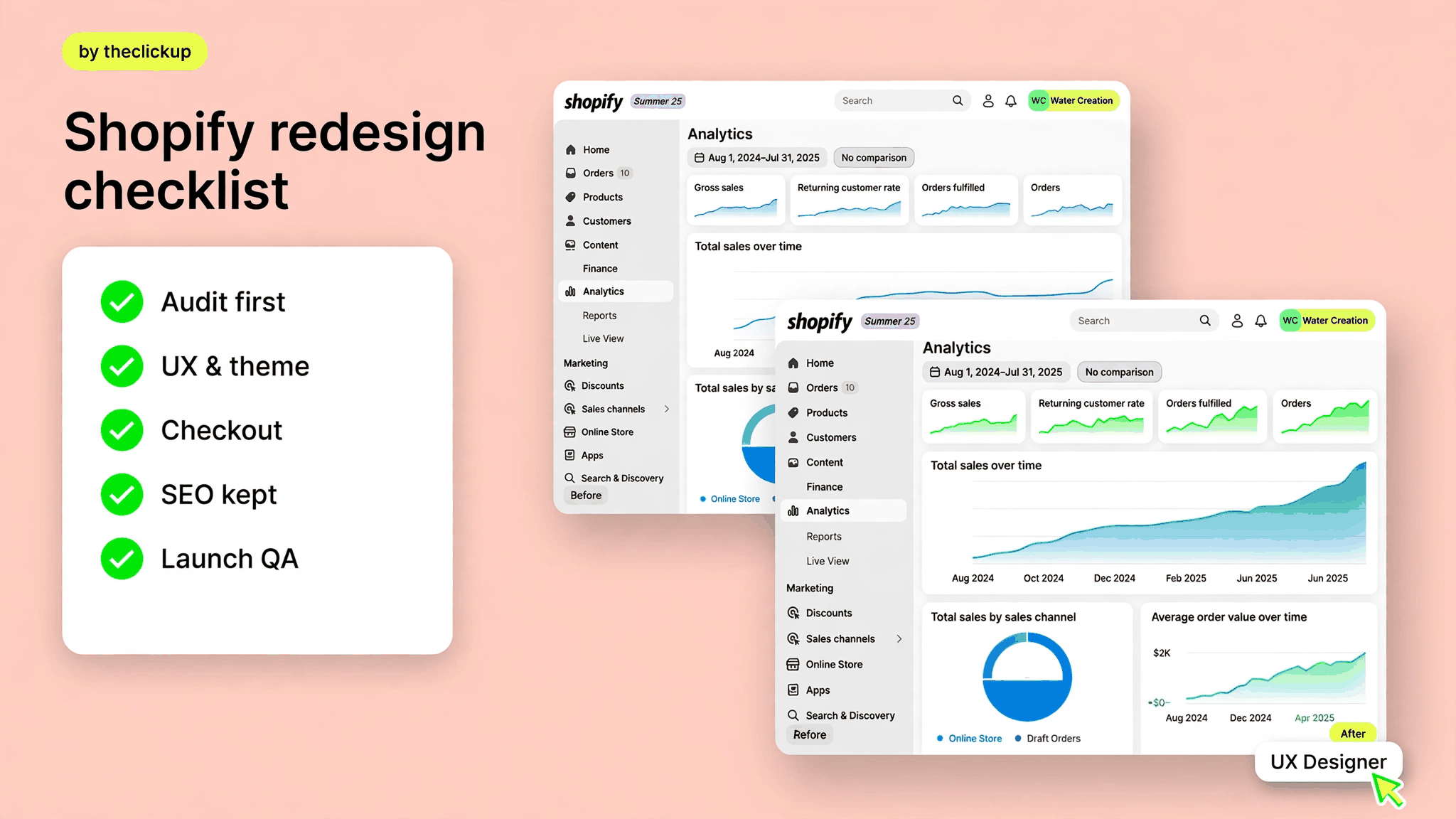
Most Shopify redesigns fail on the same twelve points: an audit nobody did, a theme chosen for looks, a checkout nobody tested, and SEO redirects nobody mapped.
This checklist walks through all twelve — audit, UX, theme, checkout, SEO, apps, content and launch QA — so your redesign lifts conversion instead of breaking what already works.


Start with an audit, not a theme
A redesign that starts with a theme is a redesign that starts with taste. A redesign that starts with an audit starts with evidence — and evidence is what keeps the new store from repeating the old store’s mistakes. Before anyone opens a design file, pull the numbers: which pages earn revenue, where shoppers drop off, what people search for, and what already ranks.
- Analytics and revenue by page — which pages actually sell, and which only get traffic.
- Conversion funnel — where checkout, cart and product pages leak.
- Site speed — mobile load times on the pages that matter.
- SEO inventory — every ranking URL, its traffic and its backlinks.
- App audit — what each app costs and whether anyone uses it.
- Content audit — product copy, images and reviews worth keeping.
Write the findings down in one page. That page becomes the brief: every redesign decision after it should answer to something on it. If a change does not fix a finding, it is decoration — and decoration is the most expensive part of a redesign.
Shopify redesign checklist at a glance
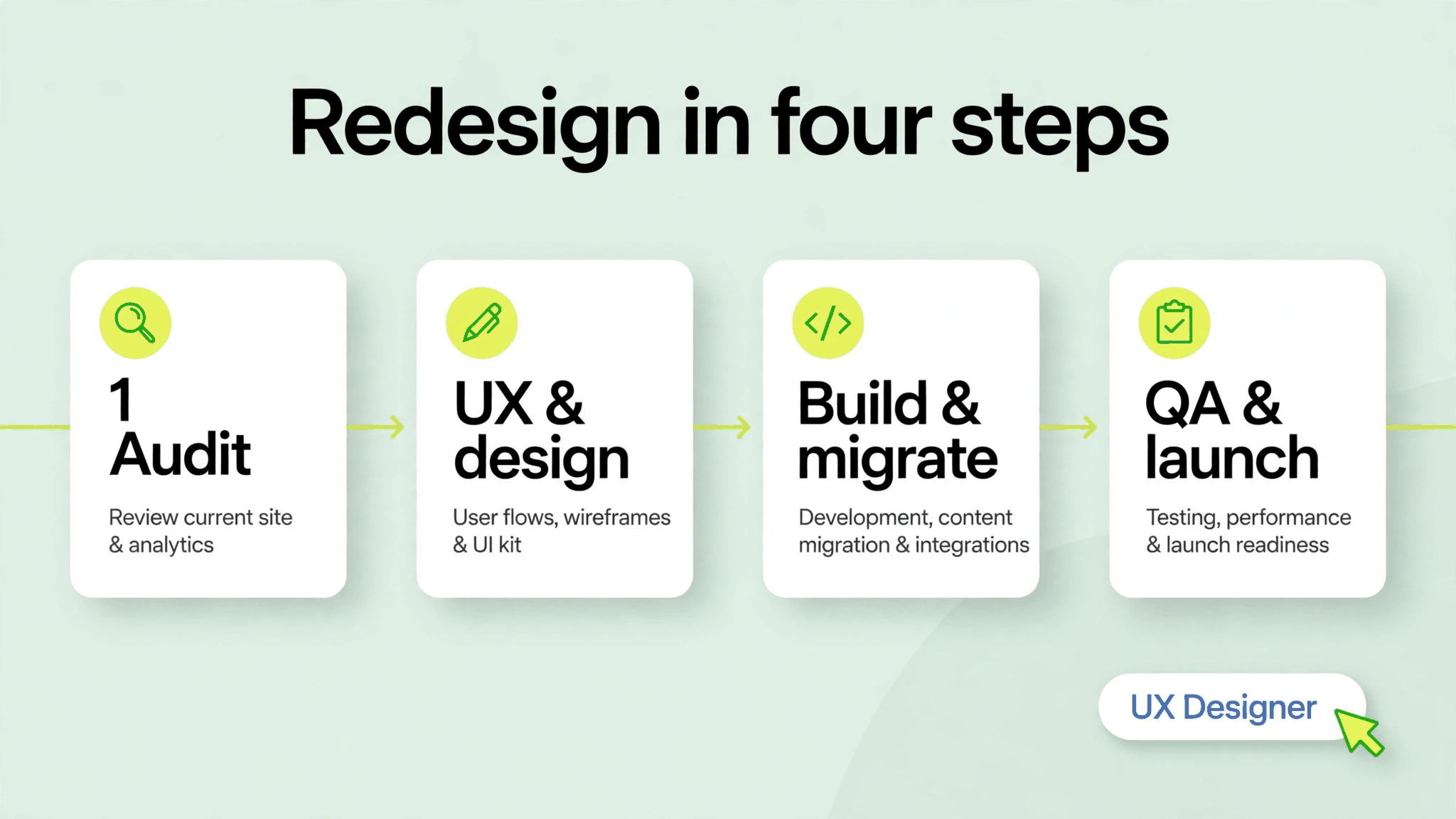
| Step | What to check | Done when |
| 1. Audit | Analytics, funnel, speed, SEO inventory, apps | One-page brief everyone agrees on |
| 2. UX & navigation | Search, filters, menu, mobile flow | A shopper finds any product in three taps |
| 3. Theme | Custom sections, speed budget, mobile-first | Theme passes speed and accessibility checks |
| 4. Checkout | Guest checkout, wallets, shipping, taxes | A test order completes with no errors |
| 5. SEO & redirects | URL map, titles, meta, 301s | Every old URL redirects to a live page |
| 6. Apps | Keep, replace or remove each app | No duplicate apps, no unused subscriptions |
| 7. Content | Product copy, images, reviews, FAQs | Every product page has complete content |
| 8. QA & launch | Devices, browsers, payments, analytics | Launch checklist signed off, no open bugs |
The three redesign traps
Three mistakes show up in almost every failed Shopify redesign we are asked to fix. None of them is a design problem — all three are decisions made before design starts.
Designing for looks, not for buying
A beautiful store that hides the buy button is a brochure, not a store. Every design choice should answer one question: does this make it easier for a shopper to decide and pay? If the answer is no, the choice is wrong no matter how good it looks in a portfolio.
Rebuilding everything at once
A redesign that changes the theme, the navigation, the checkout and the apps in one launch has no way to know what broke if revenue drops. Change in stages where you can: structure first, then design, then checkout — and measure after each step.
Forgetting the SEO you already earned
Your old store has rankings, backlinks and indexed pages. A redesign that changes URLs without 301 redirects throws that away on launch day. Map every URL before launch, redirect every one that moves, and check the top twenty pages the morning after.
Redesign or rebuild? How to decide
Not every tired store needs a rebuild. If your theme is supported, your apps are current and your catalog structure is sound, a redesign — new design on the same foundation — is faster and cheaper. A rebuild makes sense when the theme is unsupported, the apps fight each other, or the catalog structure itself is the problem.
The test is simple: can the current store do what the new design asks of it? If the answer is yes with custom sections and a few app changes, redesign. If the answer needs a new theme, new apps and a data migration, you are rebuilding — budget and plan for that instead of discovering it halfway through.
If you are weighing the two, start with what your team will actually maintain — and see how we scope a redesign on our Shopify store design & development page.
Launch week: the QA list
Launch day is the wrong day to discover a broken checkout. Run this list the week before, on real devices, with real payment methods:
- Test checkout end to end — guest checkout, wallets, discount codes, shipping rates and taxes — on mobile and desktop.
- Click every redirect — the top fifty old URLs should land on live pages, not 404s.
- Check speed on the five highest-traffic pages, on a mid-range phone, not only on office wifi.
- Place a test order and confirm it flows into your fulfilment and email tools correctly.
- Confirm analytics, Meta Pixel and search console are recording before the first real visitor arrives.
Stores that blow their launch usually skip the third item — they test on fast office wifi and fast office phones, then wonder why mobile conversion fell. Test like your customers shop.
Not sure where your store lands in this range? Send us your catalog size, your current platform, and the features you need — we will tell you what drives your number before we quote it.
Final thoughts
A Shopify redesign is not a fresh coat of paint. It is a chance to fix everything the old store taught you — the slow pages, the confusing navigation, the checkout that loses people at the last step. The checklist above is the order that works: audit first, design second, checkout and SEO before launch, QA before anyone notices.
Work through the twelve steps in order, and the redesign pays for itself in conversion. Skip the audit and the redirects, and the prettiest new store can still earn less than the old one. Start with the audit — everything else follows from it.
FAQ
How long does a Shopify redesign take?
A focused redesign typically takes four to eight weeks from audit to launch. A full rebuild with a new theme, apps and migration takes longer. The exact time depends on catalog size, custom sections and integrations — after a short discovery we give a fixed timeline instead of a guess.
How much does a Shopify redesign cost?
Less than a new build, because discovery already exists — but design, development and content migration are still full scope. As a reference point, a custom theme build is typically reported in the $20,000–$60,000 range by US agencies. Your exact number depends on catalog size, custom sections and integrations.
Will a redesign hurt my SEO?
Only if redirects and content are skipped. Map every URL before launch, 301-redirect every page that moves, keep titles and meta descriptions, and check your top twenty pages the morning after launch. Done that way, a redesign usually improves rankings — faster pages and better structure help.
Should I switch themes or customize the one I have?
If your theme is supported and fast, customizing it is usually cheaper and lower-risk. Switch themes when the current one is unsupported, slow, or cannot do what the new design needs. The audit decides — not the theme store.
Read more

 advantage

 Book a call

Fill out the form
or brief with questions



 LinkedIn
 Instagram
Welcome to The ClickUp privacy notice.
The ClickUp respects your privacy and is committed to protecting your personal data. This privacy notice will inform you as to how we look after your personal data when you visit our website (regardless of where you visit it from) and other sites we own and operate. And tell you about your privacy rights and how the law protects you.
We may change the privacy policy from time to time to reflect changes to the products and services that we provide and how we process your personal data.
We will not share your information with any third party outside of our organization, other than as necessary to fulfil your request if any."
INFORMATION WE COLLECTWhen you visit our website, our servers may automatically log the standard data provided by your web browser. This data is considered “non-identifying information”, as it does not personally identify you on its own. It may include:
- Your computer’s Internet Protocol (IP) address;
- Your browser type and version;
- The pages you visit;
- The time and date of your visi;
- The time spent on each page;
We may ask for personal information, such as your name and email address. This data is considered “identifying information”, as it can personally identify you. We only request personal information relevant to providing you with a service, and only use it to help provide or improve this service.
We collect information by fair and lawful means, with your knowledge and consent. We also let you know why we’re collecting it and how it will be used. You are free to refuse our request for this information, with the understanding that we may be unable to provide you with some of your desired services without it.
We will only process personal data and communicate with you if:
1. You have given us consent to the processing of your personal data and communicating for one or more specific purposes i.e. requesting products or services from us, downloading material or information from our website or submitting a contact us form.
2. Performance of a contract
3. Where we have a legitimate interest for contacting you in relation to our products and services
DATA PROCESSING AND STORAGEWe only retain personal information for as long as necessary to provide a service, or to improve our services in future. While we retain this data, we will protect it within commercially acceptable means to prevent loss and theft, as well as unauthorised access, disclosure, copying, use or modification. That said, we advise that no method of electronic transmission or storage is 100% secure, and cannot guarantee absolute data security.
Rights and choices of individuals:
- See what data we have about you, if any;
- Change/correct any data we have about you;
- Have us delete any data we have about you;
- See what security measures we apply to your data;
- Express any concern you have about our use of your data;
You may opt out of any future contacts from us at any time. You can do the following at any time by contacting us via the email address given on our website: theclickup.com
Got questions or want to discuss a project?


