

Meta Ads retargeting guide for Shopify stores in 2026

Updated at
19.11.2026

Retargeting is not chasing people — it is finishing a conversation they already started. Show the right thing to the right group, and stop when they answer.
This guide shows how Shopify stores run Meta Ads retargeting in 2026: which audiences to build, what each group should see, how much to spend, and when an ad has done its job.


Retargeting: the short answer
Retargeting means showing Meta Ads to people who already visited your Shopify store — the ones who viewed a product, added to cart, or started checkout and left. It works because they already know the store: the ad does not have to introduce the brand, only to finish the sale. The structure that works in 2026 is three audiences — product viewers, cart abandoners, and past buyers — with a different message for each, a small budget, and a frequency cap so nobody sees the same ad ten times.
The reason most retargeting fails is that it treats everyone the same. A person who looked at a product for five seconds and a person who abandoned a $200 cart are not the same buyer, and showing them the same ad wastes the budget on one and under-serves the other. The sections below separate the groups and match the message to each.
The three retargeting audiences
| Who they are | What they did | What they should see |
| Product viewers | Viewed a product, no cart | The product again, with proof — reviews, a demo, a reason to come back |
| Cart abandoners | Added to cart, no purchase | The exact cart, a reminder, and the friction removed — free shipping or a simpler checkout |
| Checkout starters | Started checkout, left | The shortest path back — one click to the cart, no re-entering details |
| Past buyers | Bought once | The next product, not the same one — a complement, a refill, a new collection |
| Engaged, never visited | Liked or watched, no visit | A reason to visit — the bestseller, the story, the offer that fits them |
| Everyone, all at once | One audience, one ad | The mistake — it burns budget on people who were never going to buy |
What each audience should see
Three rules: one audience, one message, one job.
1. Product viewers: proof, not pressure
They looked and left. They do not need a discount yet — they need a reason to believe. Show the product in use, a customer review, or a short demo — the same creative that works for cold traffic, pointed at people who already showed interest. A discount here trains buyers to wait for one. Save the offer for the cart.
2. Cart and checkout abandoners: remove the friction
These people were closest to buying, so the message is the cart itself: the exact products they left, one click back, and the obstacle removed. Free shipping, a simpler checkout, a clear returns note — whatever stopped them. This is the audience where an offer earns its place, because the buyer already decided and something got in the way. For the copy, our guide to writing Meta Ads that convert covers the hook, proof and offer structure.
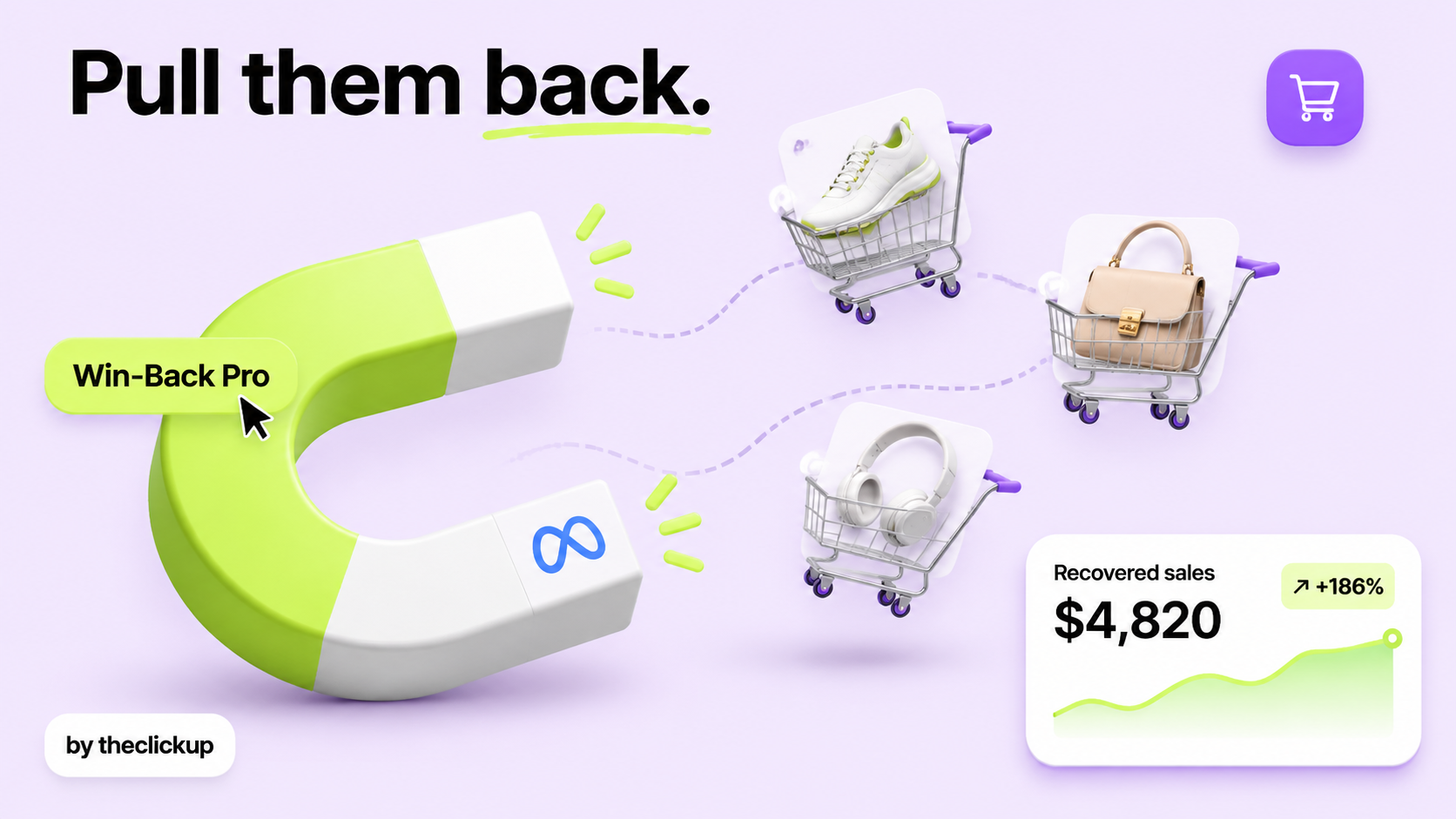
3. Past buyers: the next product, not the same ad
Showing a buyer the product they already bought is the most common retargeting mistake — and the most annoying one. Past buyers should see the complement: the accessory, the refill, the new collection, the thing that goes with what they own. Exclude recent buyers from the product ads entirely, and give them their own audience with its own message. A returning buyer is the cheapest sale a store makes — treat them like one.
Budget, frequency, and when to stop
Retargeting is a small-budget job. The audience is small — a few thousand people, not a few hundred thousand — so a large budget just shows the same ad to the same people over and over. Start small, watch the frequency, and cap how often one person sees the ad: when the same person has seen it several times without buying, more views do not help, they annoy. If the store is new and the audience is tiny, retargeting will not do much yet — the cold traffic has to come first, and Meta Ads vs Google Ads covers where that budget goes.
Stop when the job is done. A cart abandoner who bought should leave the audience the same day — an ad for a product they just bought is a broken promise. A product viewer who has not clicked after two weeks of the same message is not going to click on the third: change the creative or let them go. Management for a store's Meta Ads typically runs $1,000–$5,000 a month or 10–20% of ad spend, as reported by US agencies, and most of that fee is this discipline — the audiences, the exclusions and the killing of tired ads, not the targeting. Our creative testing guide covers how to keep the ads themselves fresh.
The retargeting setup checklist
Run this before you spend a dollar on retargeting:
- Pixel and events working: the Meta pixel installed, and ViewContent, AddToCart and Purchase firing on the right pages. Retargeting without working events is guesswork — test it with a real visit before you launch.
- Three audiences built: product viewers, cart abandoners, past buyers — each with its own exclusion so nobody sits in two audiences at once.
- Buyers excluded from prospecting: recent buyers must not see the product ads again. The exclusion list is the most important list in the account.
- One message per audience: proof for viewers, the cart for abandoners, the next product for buyers. If two audiences see the same ad, the setup is wrong.
- Frequency cap and budget set: a small daily budget and a cap on views per person, reviewed weekly. If the cost per purchase climbs for three days, the creative is tired — refresh it. The ads and the store they land on should come from one team — see our Meta Ads service and our Shopify service.
Retargeting is the cheapest sale in the account — but only when the audiences are clean, the messages match, and the ads stop when the job is done.
Retargeting this week? Build the three audiences in section 3 first — or ask us to audit your ad account before you spend.
The verdict: small audiences, right message, clean exclusions
Retargeting works when it is specific. Three audiences — viewers, abandoners, buyers — each with its own message, a small budget, a frequency cap, and exclusions that keep buyers out of the prospecting ads. The ad finishes a conversation the buyer already started; it does not start a new one.
Start this week: build the three audiences, exclude the buyers, and write one ad per group. The first sale that comes back is the proof — and the cheapest one the store will make.
FAQ
How does Meta Ads retargeting work for Shopify?
The Meta pixel tracks what visitors do on your store — viewing a product, adding to cart, starting checkout — and Meta shows ads to those people later. You build audiences from those actions and show each group a message that fits what they did.
How much should I spend on retargeting?
Start small. Retargeting audiences are small — a few thousand people — so a large budget just shows the same ad to the same people. Watch the frequency and the cost per purchase, and scale only the audiences that are buying.
How long should I retarget someone?
A product viewer for about two weeks, a cart abandoner for a week or so, and a past buyer for as long as they keep buying. When someone has seen the same ad several times without acting, change the creative or let them go.
Should I offer a discount in retargeting ads?
For cart and checkout abandoners, yes — they were close to buying and something stopped them. For product viewers, no — show proof first. A discount offered too early trains buyers to wait for one.
Read more
 advantage

 Book a call

Fill out the form
or brief with questions



 LinkedIn
 Instagram
Welcome to The ClickUp privacy notice.
The ClickUp respects your privacy and is committed to protecting your personal data. This privacy notice will inform you as to how we look after your personal data when you visit our website (regardless of where you visit it from) and other sites we own and operate. And tell you about your privacy rights and how the law protects you.
We may change the privacy policy from time to time to reflect changes to the products and services that we provide and how we process your personal data.
We will not share your information with any third party outside of our organization, other than as necessary to fulfil your request if any."
INFORMATION WE COLLECTWhen you visit our website, our servers may automatically log the standard data provided by your web browser. This data is considered “non-identifying information”, as it does not personally identify you on its own. It may include:
- Your computer’s Internet Protocol (IP) address;
- Your browser type and version;
- The pages you visit;
- The time and date of your visi;
- The time spent on each page;
We may ask for personal information, such as your name and email address. This data is considered “identifying information”, as it can personally identify you. We only request personal information relevant to providing you with a service, and only use it to help provide or improve this service.
We collect information by fair and lawful means, with your knowledge and consent. We also let you know why we’re collecting it and how it will be used. You are free to refuse our request for this information, with the understanding that we may be unable to provide you with some of your desired services without it.
We will only process personal data and communicate with you if:
1. You have given us consent to the processing of your personal data and communicating for one or more specific purposes i.e. requesting products or services from us, downloading material or information from our website or submitting a contact us form.
2. Performance of a contract
3. Where we have a legitimate interest for contacting you in relation to our products and services
DATA PROCESSING AND STORAGEWe only retain personal information for as long as necessary to provide a service, or to improve our services in future. While we retain this data, we will protect it within commercially acceptable means to prevent loss and theft, as well as unauthorised access, disclosure, copying, use or modification. That said, we advise that no method of electronic transmission or storage is 100% secure, and cannot guarantee absolute data security.
Rights and choices of individuals:
- See what data we have about you, if any;
- Change/correct any data we have about you;
- Have us delete any data we have about you;
- See what security measures we apply to your data;
- Express any concern you have about our use of your data;
You may opt out of any future contacts from us at any time. You can do the following at any time by contacting us via the email address given on our website: theclickup.com
Got questions or want to discuss a project?


